

Safe and transparent financial transactions serve as the most crucial factor determining user experience in the Philippines. Depositing funds into your PH62 account using the correct procedures ensures not only instant balance updates, but also guarantees absolute safety for your capital. This article guides you through all detailed money transfer steps, synthesizes the most popular local payment channels in the Philippines, and provides key notes to make sure your transactions complete smoothly every time.
Advantages of Depositing Funds Into Your PH62 Account
The Philippine market favors modern and secure mobile payment solutions. The PH62 platform has perfected its payment gateway system to deliver maximum convenience for local users:
- Integrated Local Payment Channels: PH62 fully supports the most popular e-wallets and banks across the Philippines, including GCash, Maya (PayMaya), GrabPay, alongside banking networks like BDO, BPI, and Metrobank.
- Ultra-Fast Processing Speed: Automated approval systems allow account balance updates to complete in just 1 to 3 minutes.
- Absolute Transaction Security: Deploys multi-layer data encryption technology, preventing any risks of card detail leaks or personal account exposure.
- Zero Transaction Fees: Users in the Philippines enjoy 100% covered transaction fee support across all official payment gateways.

Detailed Guide on How to Deposit at PH62 via Popular Channels
To successfully deposit funds into your PH62 account on your first attempt, select your preferred payment method and follow the step-by-step instructions below:
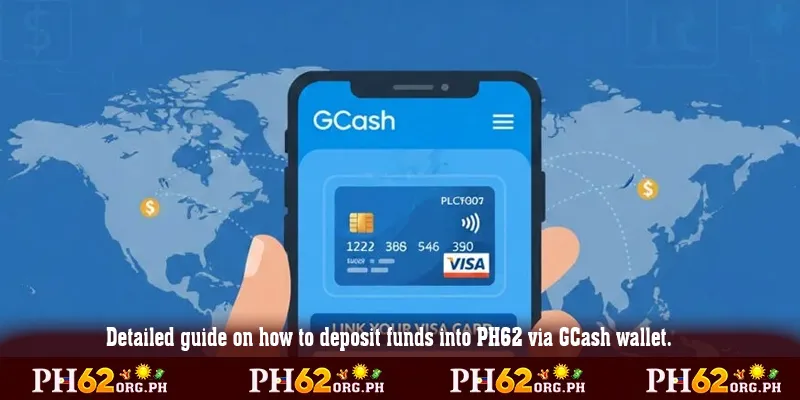
Depositing via E-Wallets GCash / Maya (Recommended)
E-wallets are the most favored payment method in the Philippines due to their convenience and instant processing speed:
- Access the official PH62 deposit link: https://ph62.org.ph/ and log in to your personal profile.
- Select the Deposit tab on the main menu bar and click on the GCash or Maya payment gateway.
- Enter the exact amount you wish to transfer (ensuring it meets minimum and maximum system limits).
- Copy the destination account details or save the QR code displayed on the screen.
- Open your GCash/Maya app on your mobile phone, scan the QR code or execute a transfer with the exact amount and transaction reference note (if required).
Depositing via Local Online Banking
This method suits higher-limit transactions processed through BDO, BPI, or Landbank:
- On the deposit dashboard, select the Online Banking option.
- Choose your active Philippine bank to retrieve dealer account details.
- Log into your personal mobile banking app and execute the fund transfer matching the recipient information accurately.
- Upload your successful transaction receipt screenshot for system verification and rapid balance updating.
Key Requirements to Keep in Mind When Depositing at PH62
To ensure your deposit orders are processed without getting stuck or encountering errors, users in the Philippines must comply with these fundamental requirements:
- Matching Account Owner Name: The name registered on your bank or GCash/Maya account must match your registered PH62 profile name completely.
- Verify Transaction Limits: Confirm that your deposit amount falls within the allowable minimum and maximum limits for the specific payment gateway.
- Save Payment Receipts: Always take a screenshot or save the transaction reference number (Ref No./Transaction ID) for cross-verification when necessary.
- Single-Use QR Codes: Do not save old QR codes for subsequent fund transfers, as destination account details automatically refresh on the system for every transaction.
Troubleshooting Common Deposit Interruptions
In certain situations where local telecom infrastructure or bank networks undergo maintenance, your transaction may process slower than anticipated. Here are quick remedies:
Funds Not Reflected After 10 Minutes
- Check your GCash/Maya or bank app to confirm whether funds were successfully deducted from your balance.
- Verify whether you forgot to input the transaction reference note during transfer.
- Prepare your transaction receipt and contact the 24/7 Live Support team immediately for manual balance updating.
Transferring to Expired Recipient Account Details
- If you accidentally send funds to an expired recipient account number previously saved on your phone, contact Customer Support immediately with your receipt for financial verification.
Conclusion
The PH62 deposit process is seamlessly optimized for the Philippine market with rapid speed, diverse options, and absolute transaction safety. Mastering these guided steps enables you to proactively manage your capital while fully enjoying premier entertainment services on the platform.
Access the official PH62 deposit link today, select your suitable payment channel, and process your transaction now to claim attractive first-deposit bonus rewards!